You sent USDT over BNB Smart Chain instead of Ethereum, or your ETH suddenly ended up on a completely different network? The transaction is confirmed, but your wallet shows nothing. It is one of the most common mistakes in crypto. The good news: if the payment went to your own wallet, the coins are usually not lost.
This guide explains what technically happens on the wrong network, what you should check now and in which cases your coins can be recovered.
Key points
- If the payment went to your own wallet, the coins can usually be recovered. What matters is that you have the seed phrase or private key.
- If it went to an exchange, recovery is only possible to a limited extent and depends on the exchange’s support.
- Many networks such as Ethereum, BNB Smart Chain or Polygon use the same address. The coins are then on the same address, just on a different network.
- Don’t make any further transactions until it’s clear, and never give your seed phrase to so-called helpers.
What technically happens on the wrong network
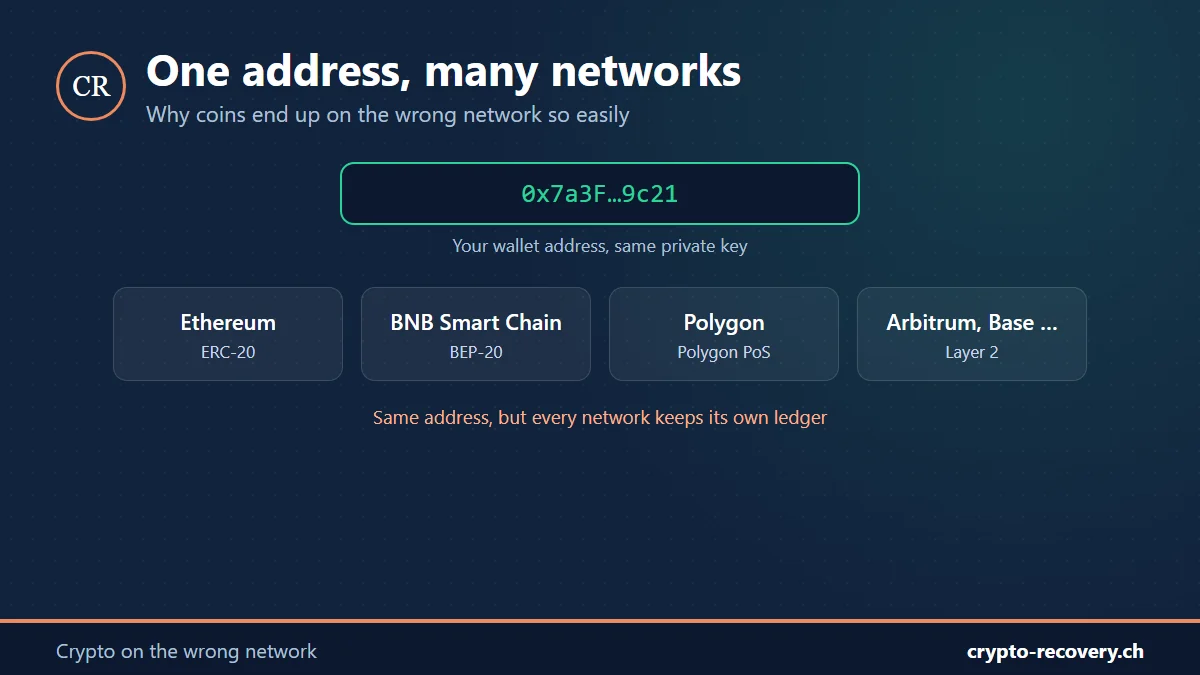
A token like USDT doesn’t exist just once. It exists on Ethereum (ERC-20), on BNB Smart Chain (BEP-20), on Tron (TRC-20), on Polygon and on many other blockchains. Each of these blockchains keeps its own ledger. What arrives on BNB Smart Chain is not visible on Ethereum, and vice versa.
There is one detail that makes the mistake so easy: Ethereum, BNB Smart Chain, Polygon, Arbitrum, Base and many other networks use the same address format. Your “0x…” address is the same on all of these networks and belongs to the same private key everywhere. That’s why an exchange or wallet accepts the address without warning, whichever network you choose.
So in this case the coins have not disappeared. They are on your address, just on a different blockchain from the one your wallet is currently showing.
The most common cases in practice
USDT over BNB Smart Chain instead of Ethereum
The classic. When withdrawing from an exchange, the cheaper network is chosen, but your own wallet only shows Ethereum. In MetaMask, Trust Wallet and similar wallets it is often enough to add the BNB Smart Chain network and show the token. To send the USDT on, you also need a little BNB on that network for the fee.
ETH or tokens on Polygon, Arbitrum or Base
Same principle: the address is the same, the coins are on a network that isn’t set up in your wallet. Add the network, check the balance, done. It gets harder if your wallet doesn’t support that network at all, which is the case with some hardware wallet apps. This also affects users of Phantom Wallet, for example, which does not show Arbitrum and Optimism: Phantom Wallet: zero balance.
Coins also often end up on the wrong network with Tangem. What is possible then depends on whether Tangem supports the network and whether you have the seed phrase. More in the guide Tangem wallet.
VET sent to an Ethereum address
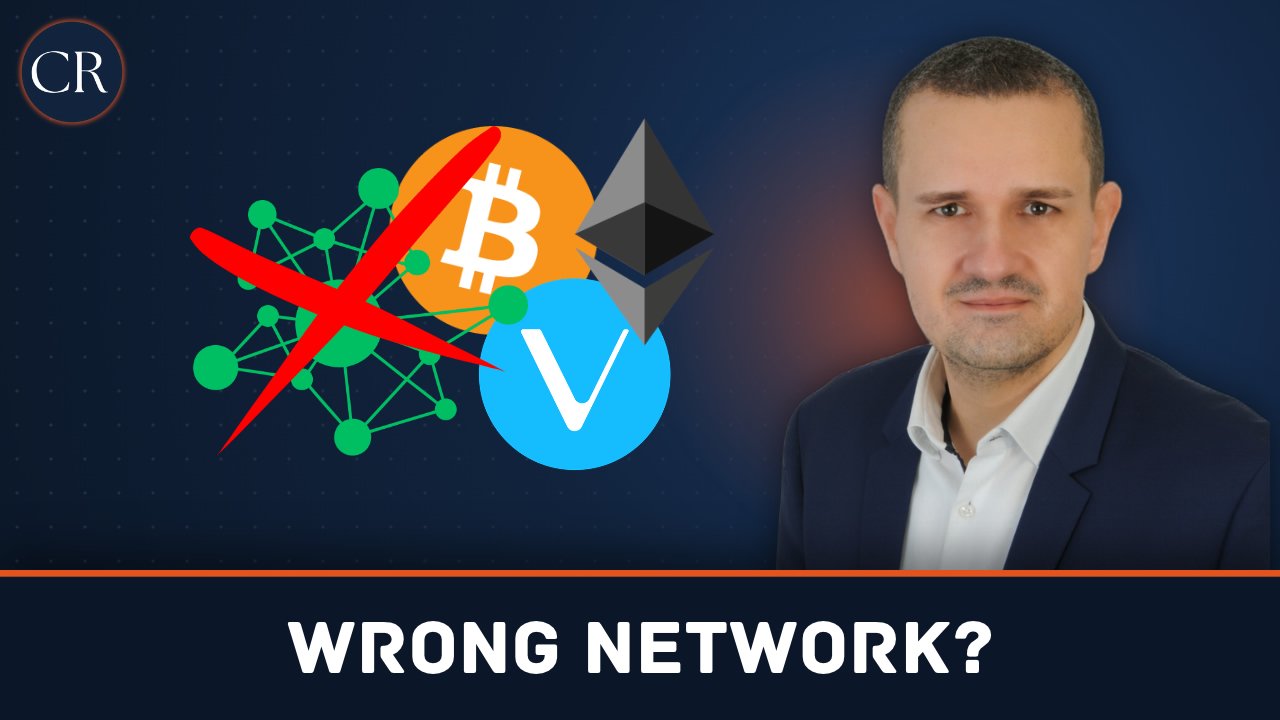
A typical case from our practice: VeChain coins were sent over the VeChain network to an Ethereum address of a Ledger, MetaMask or Trust Wallet. VeChain also uses an address format starting with “0x”, so the payment went through. The wallet doesn’t show it, though, because it uses a different address for VeChain. The coins still belong to the private key of your Ethereum address. With the right approach they can be recovered in many cases.
Sent to an exchange on the wrong network
If you sent to your deposit address at an exchange but chose a network the exchange doesn’t support for that coin, the exchange controls the address. Only it can move the coins. Some exchanges offer a dedicated form for this, often for a fee, others refuse. Contact the exchange’s support directly with the transaction ID (TxID). From the outside, technical help is only possible to a limited extent.
Coins on the wrong network and your wallet shows nothing? Send me the transaction ID. I’ll check for free where your coins are and whether they can be recovered. Request a free assessment
What you can check yourself now
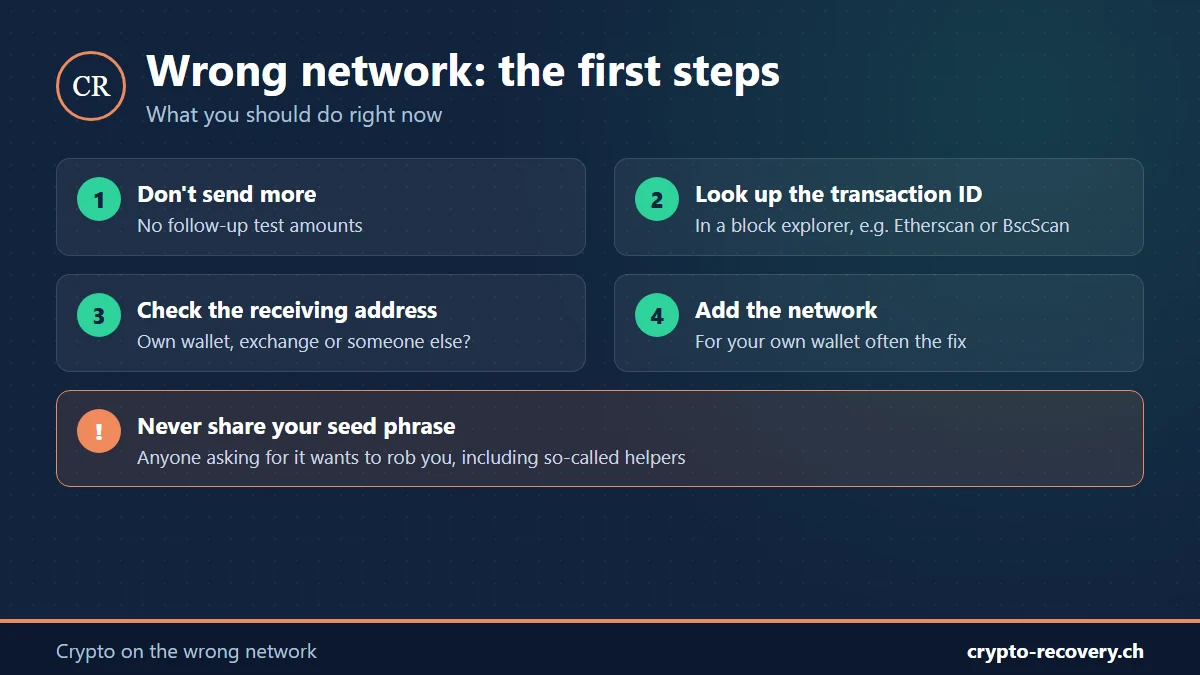
- Stay calm and don’t send anything else. Don’t send further amounts “as a test”.
- Look up the transaction in a block explorer. Copy the transaction ID from the exchange or wallet and search for it on the matching explorer, for example Etherscan for Ethereum or BscScan for BNB Smart Chain. This shows you on which network and at which address the coins arrived.
- Check the receiving address. Is it your own wallet address, a deposit address at an exchange or someone else’s address? Everything else depends on this.
- Add the network to your wallet. If it’s your own wallet and a network with the same address format, that is often enough.
- Keep your seed phrase ready, but never share it. For the recovery you need access to your wallet. Anyone who asks for your seed phrase wants to rob you.
When coins can be recovered and when not
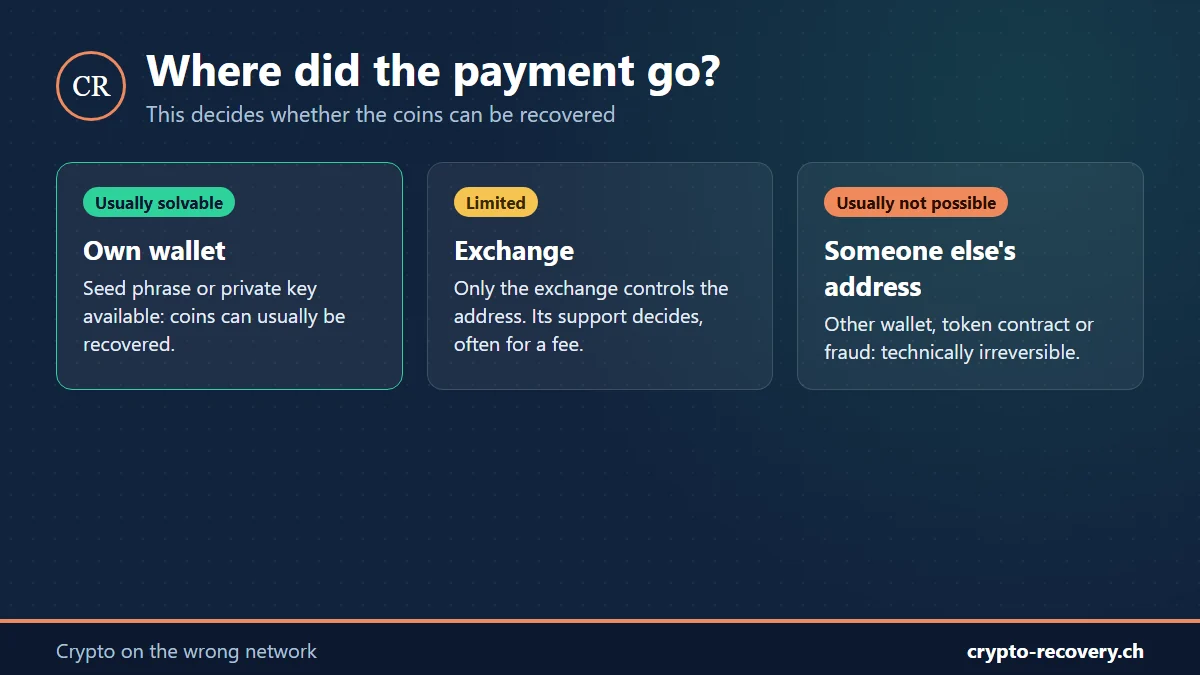
Good chances: The coins went to your own wallet and you have the seed phrase or private key. This is the most common case and usually solvable, even if your wallet doesn’t support the network directly.
Limited: The coins went to an exchange. Here the exchange alone decides whether, and for what fee, it returns the coins.
Usually not possible: The coins went to someone else’s address, to a token’s contract address or to an address nobody holds the private key for. Theft and fraud can’t be reversed technically either. That is a matter for the police.
How a recovery works at Crypto Recovery
- Free initial assessment: You send the transaction ID and briefly describe what happened. No seed phrase, no private key.
- Check in the block explorer: I find out where the coins are and which way back is realistic.
- Recovery via Zoom: You carry out every step on your own device. Seed phrase and private key always stay with you; for wrong-network cases this is always the way. Remote control software is never used.
- You only pay on success: No upfront payment. The invoice only comes once the coins are back in your wallet.
Details on how your secret data is handled can be found on the security and process page.
Your seed phrase stays with you. For wrong-network cases you carry out every step yourself via Zoom. No success, no fee. Free assessment
How to avoid the mistake next time
- Before sending, check which network the receiving wallet or exchange expects. At exchanges this is shown on the deposit page.
- For larger amounts, send a small test amount first and wait until it arrives.
- Don’t automatically pick the cheapest network, pick the one supported on both sides.
- Store your seed phrase safely. Without it, even a simple network mistake can’t be fixed. How to do that is explained in our guide to the seed phrase.
Frequently asked questions about the wrong network
Can I get back crypto I sent on the wrong network?
If the coins went to your own wallet, usually yes, provided you have the seed phrase or private key. With exchanges it is only possible to a limited extent and depends on the exchange’s support.
I sent USDT over BSC instead of ERC-20. What should I do?
Check the transaction on BscScan. If it went to your own wallet, add the BNB Smart Chain network there. The USDT are on the same address. To send them on, you need a little BNB for the fee.
Why doesn’t my wallet show the coins?
Because the wallet is currently showing a different network. Each blockchain keeps its own ledger. Only once the right network is set up in the wallet does the balance become visible.
What do I do if I sent to an exchange on the wrong network?
Contact the exchange’s support with the transaction ID. Only the exchange controls its deposit addresses and can move the coins. Some exchanges offer a form for this, often for a fee.
How long does a recovery take?
For coins in your own wallet it is often done in a single Zoom session. More complex cases can take longer.
Do I have to hand over my seed phrase?
No. For wrong-network cases you carry out all steps yourself on your device under guidance. Never give your seed phrase to people offering you help.